Orbit FAQ
*Note: OrBit software is not affiliated with Volvo or Polestar. Certain related parties to Volvo and Polestar are prohibited from using OrBit software, see license agreement for more information. We take violations seriously.
Getting Started
What do I need to use OrBit?
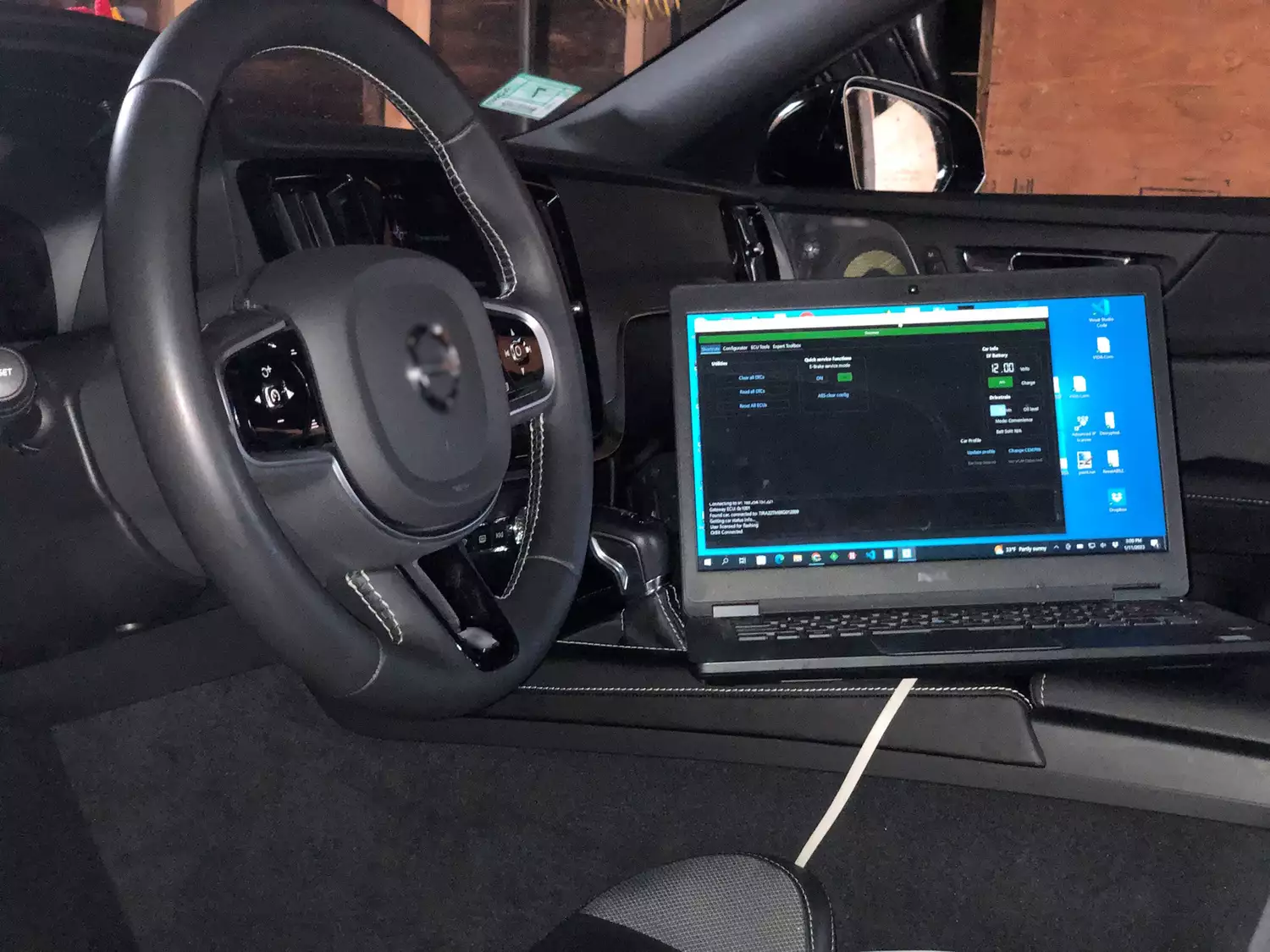
You will need a Windows 10/11 computer, preferably a laptop, with a network port (USB Ethernet adapter is OK) To connect to the car, you will need a Volvo "VOE" adapter for the OBD port, and a network cable. There are aftermarket adapters available under many brands that work. Any wired adapter compatible with BMW ENET should work for Volvo VOE. OrBit is only for modern DoIP based Volvos, i.e. SPA/CMA chassis Volvo and Polestar cars. It does not work with older platform Volvos (P3, P2, P1) that require a DiCE connection.
To make configuration changes for personalization of your car, you will need to have a "CEM PIN" or CEM+VGM PINs for your car. See below FAQs for more information.
How do I install OrBit and start using it with my car?
See this getting started video to get you up and running with OrBit!
Where can I download OrBit installer?
Download the current OrBit release here
What do I do if I have an error or problem with OrBit?
Contact support@spaycetech.com for help with any issues.
What is a CEM or VGM PIN and how do I get it?
**OrBit offers PIN retrieval service for those who want to buy OrBit and configure their car with no need to DIY to get PINs. If you have the tools and know how and like to DIY, you can use the tools built in to OrBit to crack PINs from captured diagnostic tool info. There is an option for everyone. See the purchase page for details**
While you may own your car, the manufacturer retains exclusive access to the electronic systems. Essentially there are passwords to your car that are kept secret by the manufacturer. In order to access some systems yourself, such as to change settings to personalize your own car, you need the same access. The "CEM PIN" is the password you need to make settings changes. For "Android" based models you need a "VGM PIN" as well to unlock the VGM unit that controls access to diagnostics for the entire car.
Currently to obtain the PIN(s) you need to use the factory diagnostics software to perform a procedure that uses these passwords, while some information is captured. OrBit has tools to use captured information to retrieve the PIN information. You only need to go through this process one time for your car. Obtaining PIN information is not unique to OrBit, PINs are manufacturer information to access the car. There is much information publicly available on how to discover PINs. If you need further guidance, contact support@spaycetech.com
Will I get in trouble with Volvo?
Probably not. We try to keep you safe. But it could happen. Volvo has taken a hostile stance against aftermarket repair, upgrades, and replacement of electronic modules. Only "new" electronic parts may be used, loaded by factory diagnostics software. Recycling parts is not allowed. Volvo has purposely implemented "administrative" controls to create incompatibility. The risk with existing Volvo coding tools before OrBit was: if your car with "modified build configuration" is connected to the factory diagnostics software. Your car could be "blocked" from installing any software reloads or updates in the future.
But OrBit has been developed to keep you out of trouble! OrBit is the only Volvo config software that has never made changes to the "build" of the car for configuration. Modifying the build, or variant codes, are what results in a car being blocked, and OrBit will never modify them. OrBit also allows easy "Restore OEM" function with a single button. As such you car can always be restored to exactly as it came from the factory. If the "Restore OEM" function is used before any dealer visit. or any time the car is connected to factory diagnostic software, you should not encounter any problems. See the "getting started' video for more information on how to restore and reload configuration settings.
Where can I get more help? Do you have a community of users?
Yes we do! Visit our forums at forums.spaycetech.com
What specific models are supported? Is my car Sensus or Android system?
Below is the model break down of all supported cars in OrBit by Sensus and Android infotainment. Cars from any country/market worldwide are supported.
Supported platforms are: all 2016-2027 SPA, 2019-2027 CMA
Sensus:
- 2016-2022 XC90
- 2017-2021 S90, V90, V90CC
- 2018-2021 XC60
- 2019-2022 S60, V60, V60CC
- 2019-2022 XC40 (ICE models)
- 2019-2024 XC40 (PHEV models)
- 2019-2022 Polestar 1
Android(AAOS):
- 2023-2027 XC90, S60, V60, V60CC
- 2022-2027 XC60, S90, V90, V90CC
- 2021-2027 XC40, C40 (EV models)
- 2023-2027 XC40 (ICE models)
- 2021-2027 Polestar 2